01 / 10 · Wholesale jewelry
Preparing Jewelry Data for a Product Launch
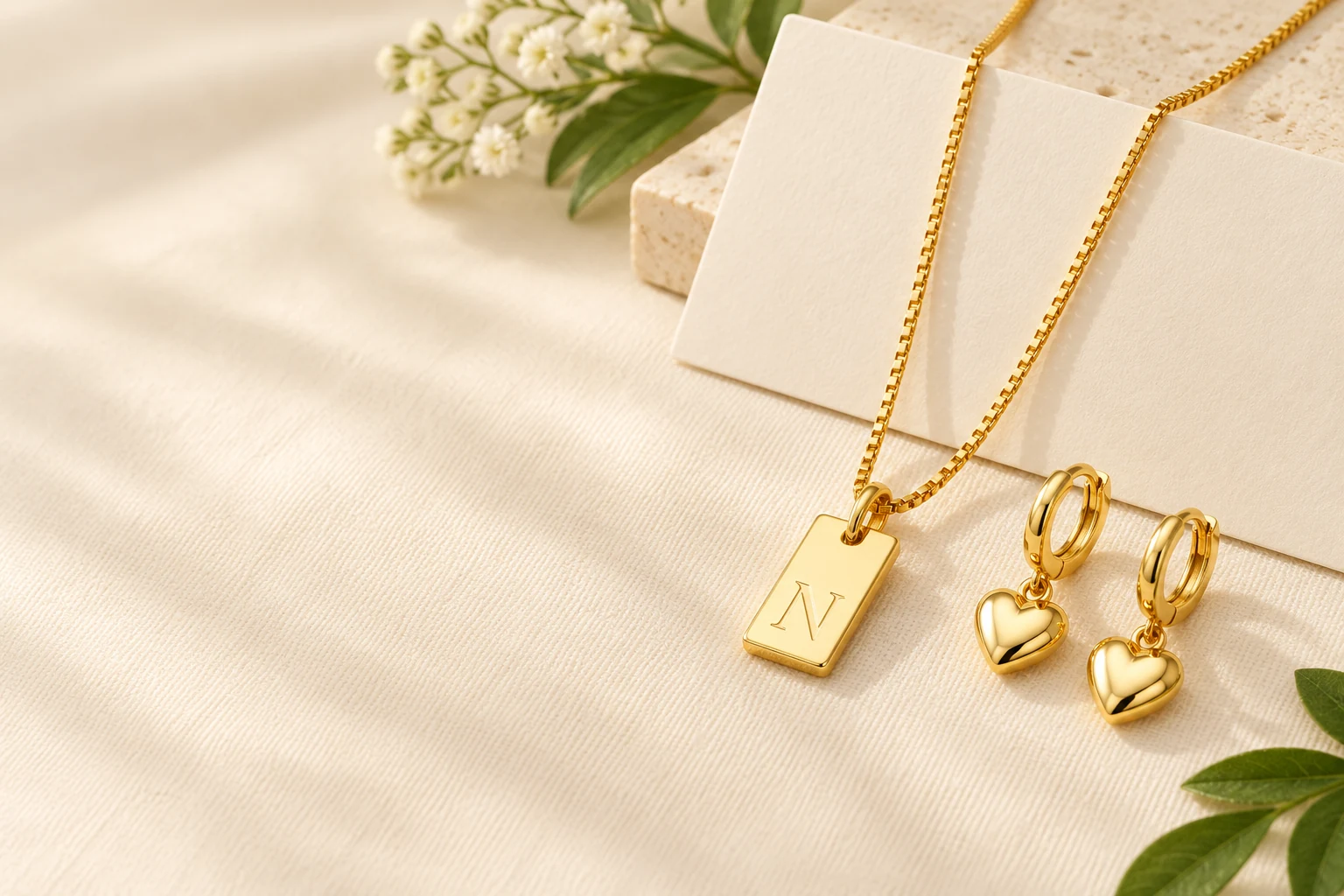
We are a jewelry factory in Qingdao, China. For an ecommerce launch, product data should help a customer select the exact item and understand what arrives. We recommend building the selling unit and variant structure before writing campaign copy. A beautiful collection image cannot explain a missing length, a coded design or an unclear set count.
Our initial necklaces, coordinated jewelry options and flat-chain range show three different data structures. Use those differences to plan your product records rather than forcing every item into the same color-and-size template.
02 / 10 · Buyer guide
Model the Actual Variant Dimensions
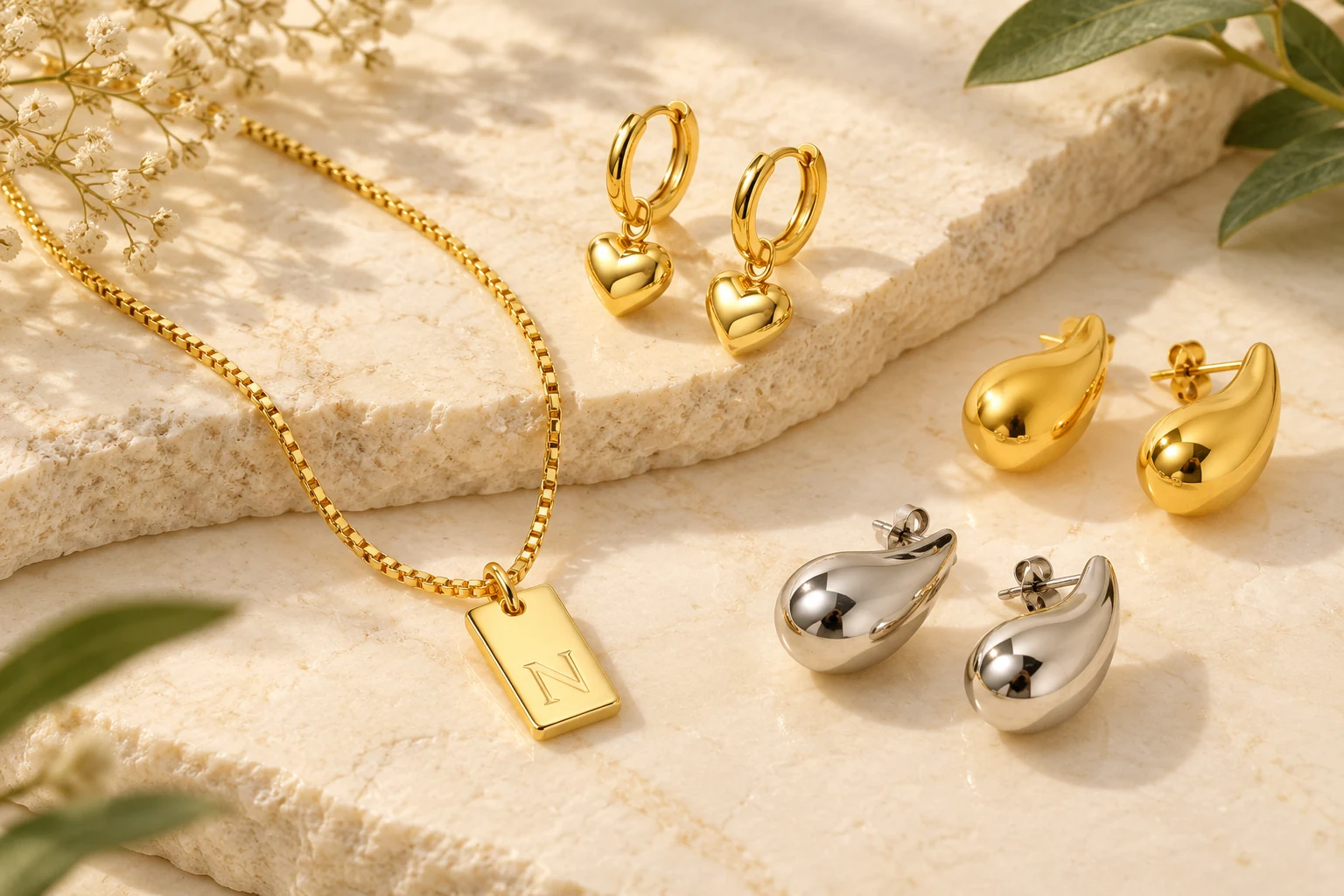
The initial necklace has twenty-six letters, Gold or Silver and one 18-inch length, producing fifty-two actual letter/color combinations. The coordinated heart/drop range instead offers six labels combining jewelry type and metal tone. The flat chain separates color/millimeter labels from four lengths.
These menus need different data handling. Split a field into clearer storefront selectors only when the underlying combination remains accurate. Keep a mapping back to the complete original choice so the order record still identifies the intended item. Do not create a combination that the actual menu does not offer.
Model the Actual Variant Dimensions
| Range | Actual structure | Storefront priority |
|---|---|---|
| Initial necklace | Letter × color,18inches | Make letter selection prominent |
| Coordinated options | Earring/Necklace/Bracelet plus tone | Make piece type explicit |
| Flat chain | Color/millimeter label × length | Keep profile and length separate |
| Numbered design range | Exact coded option | Show the matching image |
03 / 10 · Buyer guide
Define the Selling Unit Before the Gallery
A product family can include several jewelry types without supplying them together. The coordinated range offers Earring-Gold, Necklace-Gold and Bracelet-Gold, with corresponding steel choices. A photo showing related pieces is therefore not a contents list.
State whether your retail unit is a pair, a necklace, a bracelet or an explicitly agreed bundle. If you build a bundle, list its components separately. This information should appear close to the product selection, not only in a general collection description, so the customer can connect the chosen option with the expected contents.
Define the Selling Unit Before the Gallery
- Selected pieceEarring, necklace or bracelet · Calling every choice a complete set
- Quantity unitPiece, pair or specified bundle · Inferring count from a photograph
- AccessoriesIncluded only when agreed · Assuming cards or boxes
- Collection imageDisplay context · Using it as the contents definition
04 / 10 · Buyer guide
Match Images to the Selected Version
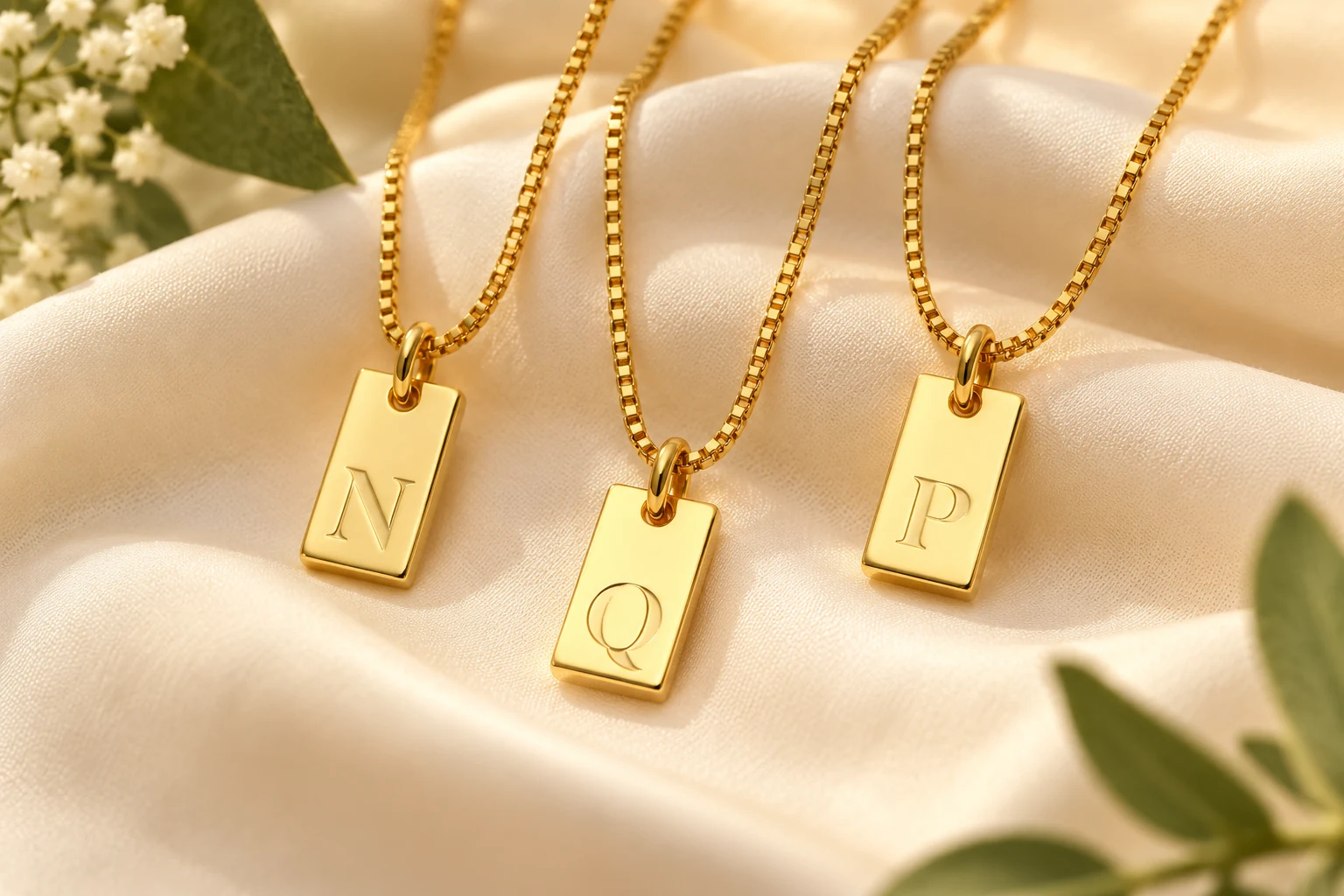
The initial necklace should show the chosen letter and color, while a numbered design should show its own construction. A shared family image can introduce the range, but it should not be the only image available when the options differ visibly.
Use a consistent image order for each product: clear product view, relevant detail and the wearing hardware or connection where useful. Keep images of jewelry type changes attached to the corresponding selection. A necklace image should not silently remain selected after the customer changes to an earring option.
05 / 10 · Buyer guide
Keep Measurements Typed and Readable
A length value needs a unit and a definition. The flat-chain range offers 16, 18, 20 and 24 inches; its millimeter labels belong to a different dimension group. The initial necklace has an 18-inch chain, while its pendant size is not numerically specified.
Store the known value without filling the missing one by inference. For a layered piece, a single listed length should not be repeated as the length of every layer. Accurate missing-data handling is better than a tidy table containing invented dimensions.
Keep Measurements Typed and Readable
- Chain length18inches initial necklace · Keep unit and component
- Flat-chain length16/18/20/24inches · Actual selectable alternatives
- Profile labelGold2mm through Silver5mm · Do not invent the measurement axis
- Pendant sizeNot supplied numerically · Obtain a selected-item measurement
06 / 10 · Buyer guide
Separate Materials from Visual Attributes
Gold and Silver are selectable colors in the initial-necklace range, whose base is stainless steel. The coordinated range has piece-and-tone labels. Those labels should not be converted into solid-gold or sterling-silver materials merely because a storefront has a material field.
Keep base material, coating, decorative material and color in separate places where you have the information. Use the exact stone term for the selected product rather than giving every clear decoration the same generic gemstone identity. This makes filtering more useful and prevents attractive option names from becoming inaccurate technical data.
Separate Materials from Visual Attributes
- ColorActual selected appearance · Base-metal identity
- Base materialProduct/component specification · Gold or Silver option name
- CoatingSelected finish description · Solid-metal claim
- Decorative materialActual stone or pearl identity · Cut or color alone
07 / 10 · Buyer guide
Write Option Names for Humans and Orders
A customer-facing label should make the choice understandable, while the order record preserves the exact mapping. Gold 1 is usable only when the corresponding image makes the difference visible. Letter choices are clearer, but they still need the chosen color beside them.
For the coordinated range, a readable label such as Gold necklace can help the customer choose the jewelry type. Keep its relationship to the original option unchanged. Improving readability should not merge separate designs or create an unoffered option that looks like a harmless spelling correction.
08 / 10 · Buyer guide
Build Product Copy Around the Selection
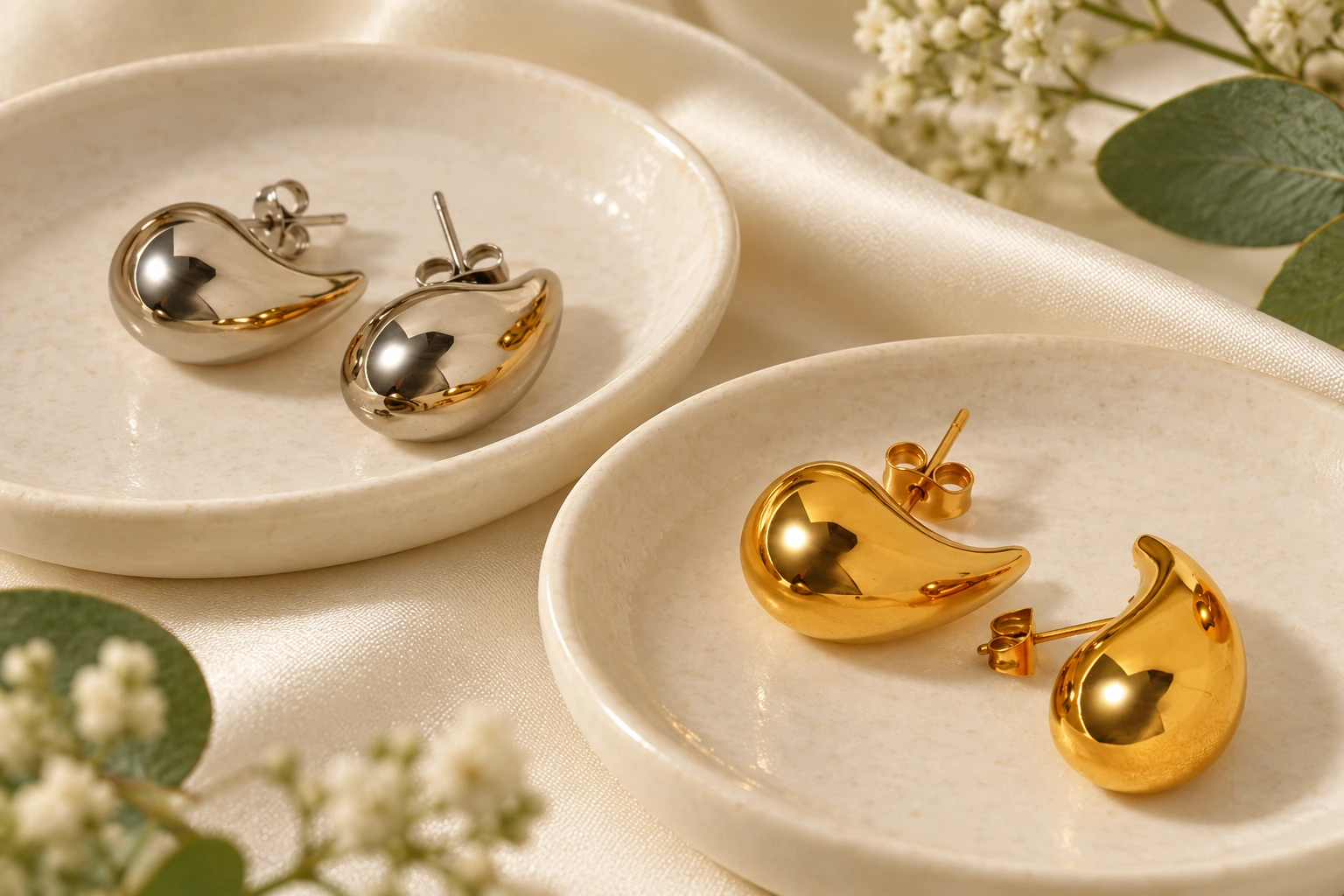
Use the product introduction to explain the shared design, then place option-specific differences in the selector or specification area. The initial necklace's shared facts are steel, box chain and 18-inch length; the customer's choices are letter and color. There is no need to repeat fifty-two near-identical descriptions.
For the flat chain, explain the chain-led design once and make the real lengths and profile labels easy to compare. The copy should answer the buyer's selection task. Campaign adjectives can support the tone, but they cannot replace a usable option structure.
Build Product Copy Around the Selection
- Shared introductionSteel square initial pendant on box chain · Explains the product
- SelectorLetter and Gold/Silver · Identifies the version
- Specification18-inch length and selected finish · Supports fit and material choice
- Contents statementActual supplied jewelry unit · Sets delivery expectation
09 / 10 · Buyer guide
Keep Launch Data Attached to the Accepted Product
When a selected sample changes, review the corresponding images, measurements and description. A new clasp can require a new detail image; a new chain length changes the selector and specification. Treat the launch record as a description of the accepted product rather than an independent marketing document.
We suggest keeping a simple field-level handover: final option names, matching images, known measurements, materials and supplied contents. Your platform team can then build the storefront without having to infer whether a design code means a different shape, a different piece or a complete set.
Keep Launch Data Attached to the Accepted Product
- New optionSelector and image mapping · Exact accepted choice
- Dimension revisionSpecification and size guidance · Value, unit and definition
- Contents revisionProduct text and packing unit · Itemized retail unit
- New componentMaterial and detail image · Selected construction
10 / 10 · Buyer guide
Send a Launch-Ready Product List
Send the products you intend to launch, the exact options and the way you plan to sell them. Add your preferred field format and any missing measurements you need. We can discuss the selected product information and images against that list.
Begin with the choices customers must make: jewelry type, letter or design, color, size and length where offered. A clear record for a few selected versions is more useful than a wide catalog export that leaves set count or material identity ambiguous. The goal is a storefront that accurately connects the chosen option, the image and the item received.